

.png)
NFT Receipts for Accounting: 5 Steps How to Cut Tax Prep Time by 80% (Easy Guide for Small Business)
- [[[Free!!]<<<<]] Watch: 스포르팅 - 토트넘 Live Stream 13 September 2022
- 2 hours ago
- 5 min read
![Writer: [[[Free!!]<<<<]] Watch: 스포르팅 - 토트넘 Live Stream 13 September 2022](https://lh3.googleusercontent.com/a/AItbvmktwQc0wCdd3ZEETSYItRQubwwBzOyjD_dcigRf=s96-c)
Tax season hits different when you're running crypto payments.
Sorting through thousands of transactions. Calculating fiat equivalents retroactively. Reconciling payment processors. Tracking down missing receipts from platforms that changed APIs or shut down.
NFT receipts eliminate 80% of that nightmare.
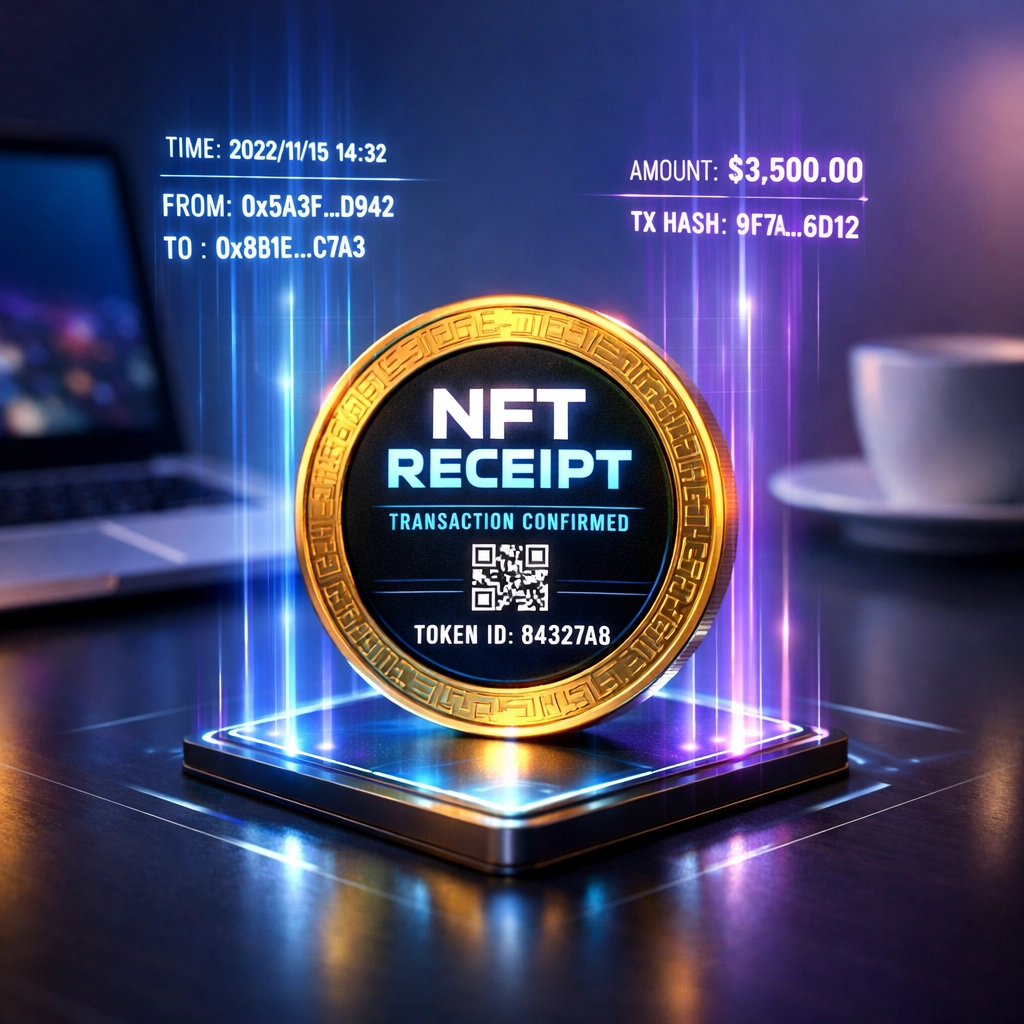
Instead of manually documenting every transaction, your payment system mints a permanent, blockchain-verified receipt the moment funds hit your wallet. Purchase price, transaction fees, exact timestamp, fiat equivalent: all locked in automatically.
No spreadsheets. No guesswork. No paying your accountant $200/hour to clean up messy data.
Here's exactly how to set it up.
What Makes NFT Receipts Different From Traditional Payment Records
Traditional processors like NOWPayments or CoinPayments generate PDF invoices stored on their servers.
That's a single point of failure.
Company gets acquired? Data format changes. Server goes down? Your records disappear. API changes? Your accounting software breaks.
NFT receipts live on-chain forever. Nobody can delete them. Nobody can change them. Nobody controls access except you.
Each receipt is a blockchain token containing every detail the IRS requires for contemporaneous documentation:
Transaction timestamp (to the second)
Crypto amount sent
Fiat equivalent at transaction time
Wallet addresses (sender and receiver)
Transaction hash (immutable proof)
Gas fees paid
Network used
Your accountant pulls this data straight from the blockchain. No third-party intermediaries. No data corruption. No missing records.
Step 1: Configure Automatic NFT Receipt Minting
Set your merchant portal to mint an NFT receipt for every incoming payment.
This takes 30 seconds.
Enable the "Auto-mint receipts" toggle in your payment settings. Each transaction now generates a receipt token sent directly to your wallet alongside the payment.
Traditional systems require you to:
Download transaction history monthly
Export to CSV
Clean up formatting errors
Import to accounting software
Manually categorize transactions
Reconcile discrepancies
NFT receipts skip all five reconciliation steps. The data enters your system clean, categorized, and audit-ready from transaction one.
CoinPayments charges 0.5% per transaction plus requires manual CSV exports. NOWPayments has similar fees and relies on their API staying functional.
Gas-only NFT minting costs $0.20-$2.00 per receipt depending on network congestion. No percentage fees. No intermediary taking cuts. Just network costs.

Step 2: Lock In IRS-Compliant Fiat Values at Transaction Time
The IRS requires fair market value documentation at the moment of each transaction.
Most merchants calculate this retroactively. They pull last year's transactions in January, then look up historical price data to determine what each payment was worth in USD.
That's guesswork disguised as accounting.
Price feeds vary. Exchange rates differ. You're essentially estimating values the IRS expects documented precisely.
NFT receipts capture fiat equivalent automatically when the transaction executes. The receipt token stores the exact USD value your payment was worth at 2:47 PM on October 15th: not an estimate, not an average, not a close approximation.
That's audit-proof documentation.
Traditional processors like NOWPayments store this data in their databases. You're trusting them to maintain accurate records and provide access when you need it years later.
Self-custody receipts stored in your wallet survive company bankruptcies, platform changes, and API deprecations. Your financial records belong to you permanently.
Step 3: Consolidate Payment and Income Documentation
Traditional accounting generates four separate documents per transaction:
Customer invoice
Payment confirmation
Deposit record
Income statement entry
You reconcile these manually. Invoice #4,783 matches payment confirmation XYZ matches bank deposit ABC matches income line item 4783.
Every reconciliation step introduces errors.
Wrong amounts. Mismatched dates. Duplicated entries. Missing records.
NFT receipts combine all four documents into one immutable token. The receipt proves:
Service provided (invoice)
Payment received (confirmation)
Funds deposited (transaction hash)
Income earned (fiat value)
One source of truth. Zero reconciliation. No data entry errors.
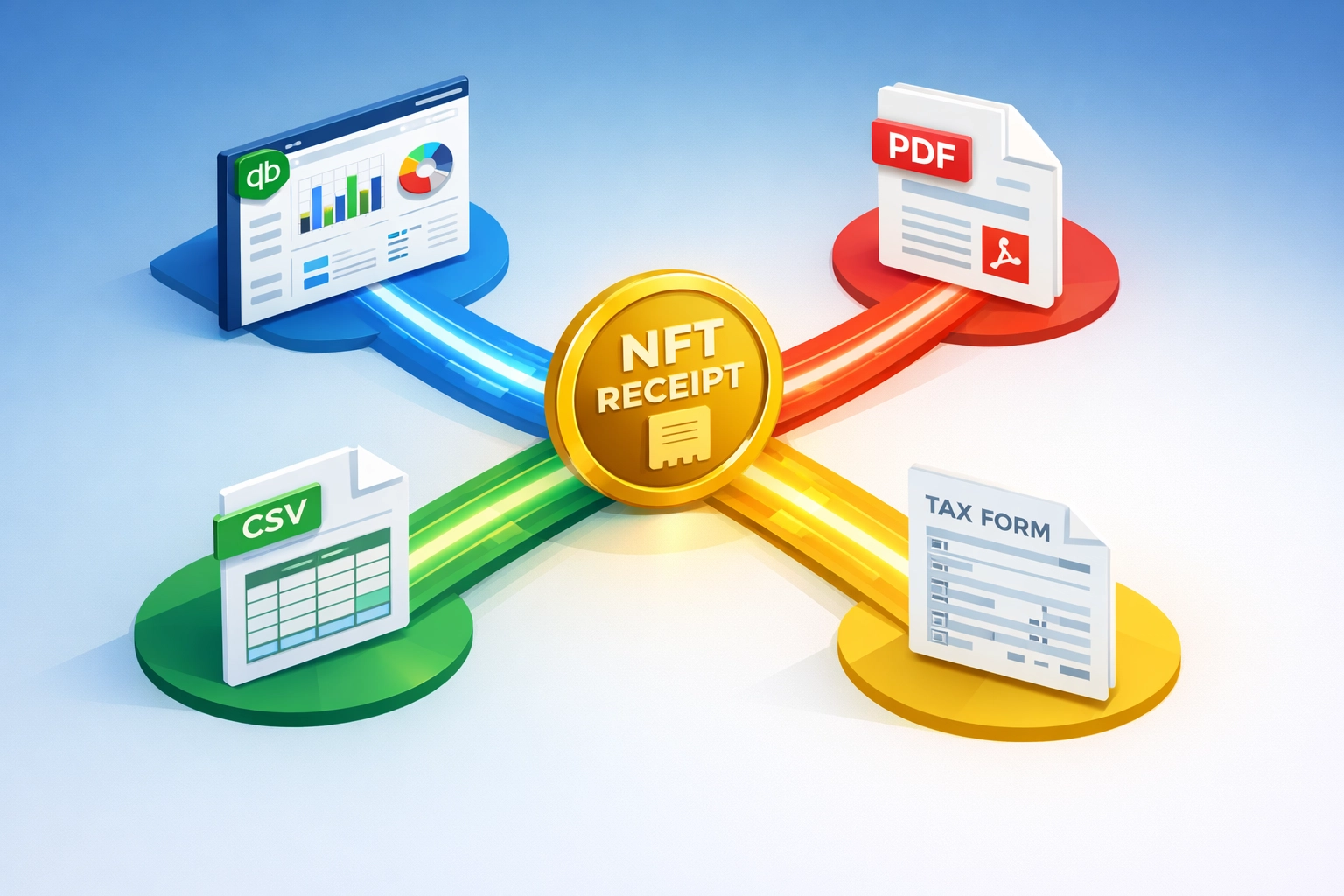
Export this directly to QuickBooks or Xero. Your accounting software imports clean, pre-categorized income records without manual intervention.

Step 4: Export Tax-Ready Data to Accounting Software
Your accountant doesn't want blockchain addresses. They want CSV files and PDF statements formatted for standard accounting software.
NFT receipt systems generate both.
Pull all receipts from your wallet. Export to CSV with columns formatted exactly how QuickBooks expects:
Date
Description
Amount (USD)
Category
Customer ID
Invoice number
Or generate PDF statements showing month-by-month income with transaction hashes proving each entry.
Traditional processors require you to log in, navigate their portal, select date ranges, download exports, then clean up formatting inconsistencies before importing.
Self-custody receipts live in your wallet. Use any blockchain explorer to export transaction data. Multiple tools exist because the data is open and accessible: not locked behind proprietary dashboards.
CoinPayments limits historical data exports. NOWPayments requires API access for bulk exports. Both charge extra for premium reporting features.
Blockchain data is free and permanent. Pull 2023 receipts in 2027 without paying subscription fees or dealing with platform changes.
Step 5: Maintain Self-Custody Records Independent of Payment Processors
The final step is actually the first principle: Own your financial records.
NOWPayments stores your transaction history on their servers. If they change data retention policies, you lose access to old records. If they increase API pricing, you pay more for your own data.
CoinPayments similarly controls your payment records. Export capabilities depend on their platform continuing to operate and your account staying active.
NFT receipts can't be revoked.
Store them in a hardware wallet. Back up your seed phrase. Your receipts survive:
Platform shutdowns
Company bankruptcies
API changes
Account suspensions
Terms of service updates
Data retention policy changes
Traditional merchant services fail constantly. Payment processors get acquired. APIs deprecate. Companies pivot. Your financial records shouldn't depend on third-party platforms maintaining backward compatibility.
Blockchain records persist forever. Pull transaction data from 2015 just as easily as pulling yesterday's sales.
Additional Benefits Beyond Tax Prep Time Savings
Eliminate chargeback fraud. NFT receipts provide immutable proof showing wallet address, exact timestamp, and transaction amount. Anyone can verify payment on the blockchain. Customers can't dispute transactions backed by cryptographic proof.
Reduce accounting software costs. QuickBooks charges $50+/month for features you only need because manual reconciliation creates complexity. Clean data from NFT receipts works with simpler, cheaper accounting tools.
Survive audits effortlessly. The IRS requests documentation? Pull receipts from your wallet, export to PDF, submit. No hunting through old emails or contacting former payment processors for archived data.
Cut processing fees to near-zero. Traditional processors charge 1.5-3% per transaction. NOWPayments takes 0.5%. CoinPayments charges similar percentages plus withdrawal fees.
Gas-only systems cost $0.50-$2.00 regardless of transaction size. Process $10,000? Pay $1.50. Process $100? Pay $1.50.
Enable LUSD stablecoin settlements. Receive payments in decentralized stablecoins without platform risk. NFT receipts document LUSD transactions just like any other crypto payment: with automatic fiat valuation at transaction time.
Why Merchants Choose NFT Receipts Over Traditional Payment Processors
NOWPayments: Centralized custody. Platform control. Percentage-based fees. API dependency.
CoinPayments: Similar centralized model. Your data lives on their servers. Access controlled by their terms of service.
NFT receipts: Self-custody. Blockchain permanence. Gas-only costs. Independent records.

The 80% time savings comes from automation eliminating five manual steps:
Downloading transaction exports
Cleaning data formatting
Calculating fiat equivalents retroactively
Reconciling payment records across platforms
Categorizing transactions manually
Each step takes hours during tax season. NFT receipts complete all five automatically at transaction time.
Your accountant opens a CSV file of pre-categorized, IRS-compliant income records. They import to your tax software. Done.
No cleanup phase. No reconciliation errors. No missing documentation from processors that changed platforms.
That's merchant independence.
Your financial records belong to you. Stored in your wallet. Accessible forever. Formatted for standard accounting software. Verified on the blockchain.
No platform controls access. No company can revoke records. No API changes break your workflow.
Set up NFT receipts once. Run tax prep in 20% of the time. Every year. Permanently.
Ready to automate your crypto accounting? Visit Larecoin to explore decentralized payment solutions built for merchant freedom.
Comments