

.png)
How to Reduce Merchant Interchange Fees by 50%+ Using Self-Custody Merchant Accounts (5-Minute Setup)
- [[[Free!!]<<<<]] Watch: 스포르팅 - 토트넘 Live Stream 13 September 2022
- 2 hours ago
- 4 min read
![Writer: [[[Free!!]<<<<]] Watch: 스포르팅 - 토트넘 Live Stream 13 September 2022](https://lh3.googleusercontent.com/a/AItbvmktwQc0wCdd3ZEETSYItRQubwwBzOyjD_dcigRf=s96-c)
Every month, your business loses thousands to interchange fees.
2.5% here. 3.5% there. Monthly gateway fees. Chargeback penalties. Currency conversion spreads.
Traditional payment processors are quietly draining 3-5% of your revenue before you even see it.
There's a better way.
Self-custody merchant accounts slash these fees by 80-99%: not 50%. Setup takes 5 minutes. No credit checks. No bank statements. No waiting for approval.
Let's break down exactly how this works.
The Hidden Tax on Every Transaction
Traditional card processors like Stripe, Square, and PayPal charge percentage-based fees on every sale.
Here's what that actually costs:
$10,000 monthly revenue → $2,880 lost annually
$50,000 monthly revenue → $14,400 lost annually
$250,000 monthly revenue → $72,000 lost annually
Processing $100,000 in monthly revenue? You're paying $2,500-$3,500 in fees. Every single month.
These costs compound. Currency conversion adds 2-4%. International transfers tack on another 3-5%. Chargebacks drain $25-$100 per dispute.
Your effective fee rate? Closer to 5-7% for global businesses.
Self-custody crypto payments reduce this to 0.1-1%.

How Self-Custody Merchant Accounts Work
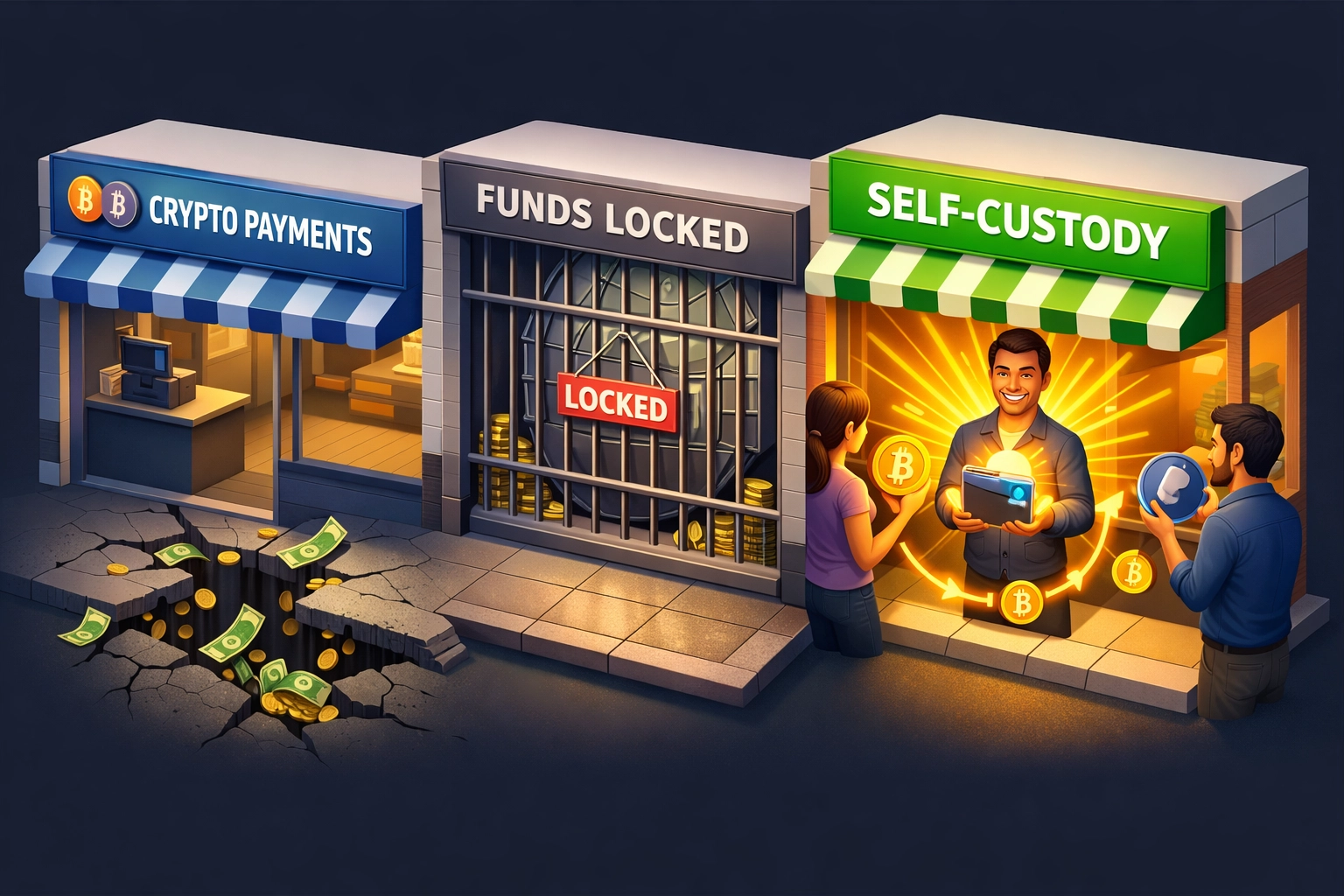
Traditional processors insert themselves between you and your money. They hold your funds. They set your limits. They freeze accounts without warning.
Self-custody flips this model.
You control the private keys. Your wallet. Your funds. Zero intermediary custody.
When customers pay with stablecoins like LUSD, the transaction hits your wallet directly. No middleman. No percentage cuts. Just gas fees: typically $0.50-$2 per transaction on Ethereum Layer 2 or Solana.
Processing $100,000 monthly? Gas costs run $10-$100 total.
That's a 95-99% fee reduction compared to traditional processors.
The 5-Minute Setup Process
Forget week-long approval processes. No underwriting. No business verification docs. No credit checks.
Here's the complete setup:
Generate your master wallet (30 seconds)
Configure sub-wallets for each location or product line (1 minute)
Create QR codes for point-of-sale systems (2 minutes)
Enable automated receipt generation with NFT functionality (1 minute)
Start accepting payments immediately (30 seconds)
Total time: 5 minutes.
Your system goes live the moment you finish setup. No approval queue. No compliance review. No waiting period.
Compare this to traditional processors:
Stripe: 1-7 days approval
Square: 2-5 business days
PayPal: 3-5 days + manual review for high-volume accounts
Self-custody wins on speed.
Real Savings: The Numbers Don't Lie
Let's run actual scenarios.
Small Business ($10,000/month)
Traditional fees: $250-$350 monthly
Self-custody gas fees: $20-$30 monthly
Annual savings: $2,760-$3,840
Medium Business ($50,000/month)
Traditional fees: $1,250-$1,750 monthly
Self-custody gas fees: $50-$100 monthly
Annual savings: $14,400-$19,800
Large Business ($250,000/month)
Traditional fees: $6,250-$8,750 monthly
Self-custody gas fees: $100-$200 monthly
Annual savings: $72,000-$102,000
These numbers assume standard interchange rates. Factor in international transactions, currency conversion, and chargeback fees? Savings jump 30-40% higher.
Why Larecoin Beats NOWPayments and CoinPayments
Other crypto payment processors still charge percentage-based fees. They defeat the entire purpose of blockchain payments.
NOWPayments:
0.5% fee on every transaction
Mandatory custody of funds
Limited stablecoin support
No NFT receipt functionality
CoinPayments:
0.5% fee + withdrawal charges
Funds held in CoinPayments custody
Slow settlement (24-72 hours)
No built-in accounting features
Larecoin Self-Custody:
Gas-only fees (0.1-1% effective rate)
You hold private keys
Instant settlement
NFT receipts for automated accounting
Native LUSD stablecoin integration
LUSD Stablecoin: Stability Without Volatility Risk
Bitcoin and Ethereum fluctuate 5-15% daily. Great for investors. Terrible for merchants.
Accept 1 BTC at $50,000. Price drops to $45,000 overnight. You just lost 10% before converting to fiat.
LUSD solves this.
LUSD maintains a 1:1 peg with the US dollar. Price stability without centralized control. No bank reserves. No regulatory risk. Pure algorithmic backing through overcollateralized ETH.
Customers pay in LUSD. You receive dollar-stable value. Zero conversion costs. Zero volatility exposure.
Traditional stablecoins like USDC and USDT face regulatory uncertainty. Circle and Tether control the supply. Accounts can freeze. Reserves can be questioned.
LUSD runs on transparent smart contracts. Decentralized. Auditable. Trustless.
NFT Receipts: Accounting on Autopilot
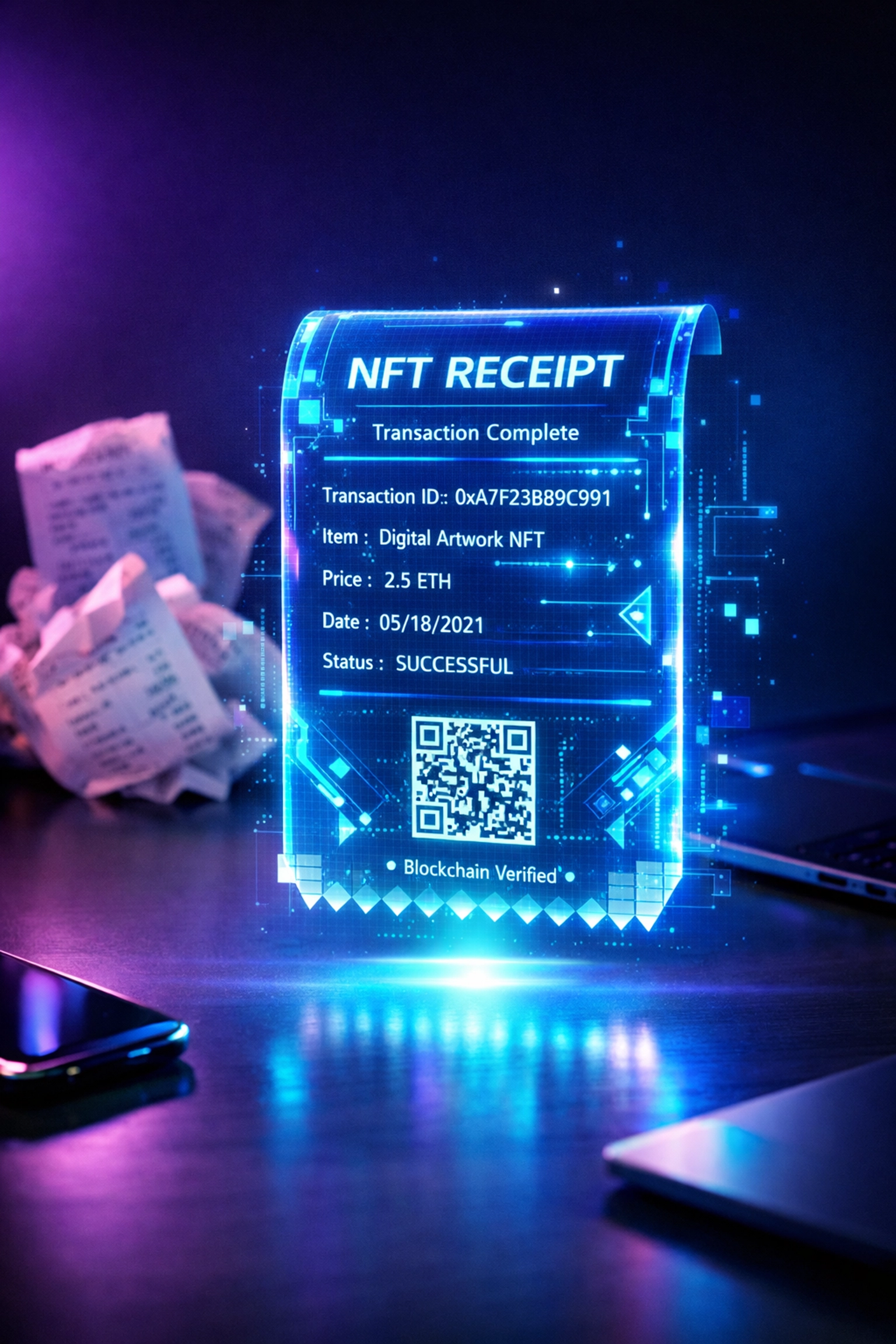
Every transaction generates an immutable NFT receipt.
This isn't a gimmick. It's a revolution for bookkeeping.
Each NFT contains:
Transaction amount and timestamp
Product/service details
Customer wallet address
Tax jurisdiction data
Currency conversion records
Your accounting software ingests these automatically. No manual entry. No receipt scanning. No end-of-month reconciliation headaches.
Tax season? Export your NFT receipt collection. Every transaction documented. Fully auditable. Blockchain-verified.
Traditional receipts get lost. Paper fades. Email archives corrupt. NFTs live forever on-chain.
Cross-Border Payments Without the Border Tax
International credit card transactions cost 3-5% in fees. Currency conversion adds another 2-4%. Settlement takes 3-5 business days.
Crypto eliminates all of this.
A customer in Germany pays your US business in LUSD. Same 0.1% gas cost. No currency conversion. Settlement in 2-15 seconds depending on blockchain.
Traditional international payment flow:
Customer pays in EUR
Credit card converts EUR→USD (3% spread)
Processor takes 2.9% + $0.30
Bank takes 1-2 days to settle
Total cost: 5-7%
Self-custody crypto flow:
Customer pays in LUSD
Transaction settles immediately
You receive funds in 15 seconds
Total cost: 0.1-1%
The savings on international transactions alone justify the switch.
Who Should Use Self-Custody Merchant Accounts?
This isn't for everyone. Yet.
Best fit:
E-commerce stores with tech-savvy customers
Digital goods and services merchants
International businesses tired of forex fees
High-volume merchants bleeding interchange fees
Businesses in crypto-friendly jurisdictions
Not ideal for:
Brick-and-mortar retailers with zero crypto adoption
Businesses selling exclusively to crypto-averse demographics
Merchants requiring instant fiat conversion
The middle ground? Hybrid acceptance. Keep your traditional processor for credit cards. Add self-custody for crypto-native customers.
Capture both markets. Let customers choose their preferred payment method.
Getting Started with Larecoin
Ready to cut your processing fees by 80-99%?
Visit Larecoin's merchant portal and generate your first wallet. The setup wizard walks you through configuration in under 5 minutes.
No application. No approval. No waiting.
Next steps:
Create your self-custody wallet
Generate payment QR codes
Enable LUSD stablecoin acceptance
Configure NFT receipt generation
Start accepting Web3 payments
Questions about implementation? Check the documentation for technical guides and integration tutorials.
The traditional payment industry has extracted trillions in fees over the past decade. Self-custody merchant accounts return that power: and those savings: to business owners.
Your customers pay. You receive. No middleman.
That's how payments should work.
Comments