

.png)
How to Set Up Self-Custody Merchant Accounts in 5 Minutes (No Third-Party Control)
- [[[Free!!]<<<<]] Watch: 스포르팅 - 토트넘 Live Stream 13 September 2022
- 2 hours ago
- 4 min read
![Writer: [[[Free!!]<<<<]] Watch: 스포르팅 - 토트넘 Live Stream 13 September 2022](https://lh3.googleusercontent.com/a/AItbvmktwQc0wCdd3ZEETSYItRQubwwBzOyjD_dcigRf=s96-c)
Third-Party Payment Processors Are Bleeding Your Business Dry
NOWPayments takes 0.5% per transaction. CoinPayments charges up to 0.5% plus withdrawal fees. Both hold your funds. Both control your money. Both can freeze your account without warning.
Self-custody changes everything.
You control the keys. You control the funds. You control your business.
No middleman taking cuts. No delayed settlements. No permission required.
Why Self-Custody Merchant Accounts Matter in 2026
Traditional crypto payment processors operate like banks. They hold your crypto. They process your payments. They decide when you can access your money.
The problems stack up fast:
Funds locked in their wallets for 24-48 hours
Conversion fees you didn't ask for
Account freezes during "security reviews"
Monthly minimum fees regardless of volume
Your private keys in someone else's database
Self-custody flips this model completely.
Payments land directly in your wallet. Instantly. No intermediary. No holding period. No questions asked.

The 5-Minute Setup Process That Eliminates Payment Processors
Here's how merchants are setting up self-custody accounts faster than brewing coffee.
Step 1: Create Your Web3 Wallet (90 seconds)
Download Phantom or MetaMask. Both support Solana and Binance Smart Chain: the two networks Larecoin operates on.
No email required. No KYC forms. No waiting for approval.
Generate your wallet. Save your seed phrase offline. Done.
Step 2: Connect to Larecoin (60 seconds)
Visit Larecoin merchants page. Click "Connect Wallet." Sign the transaction.
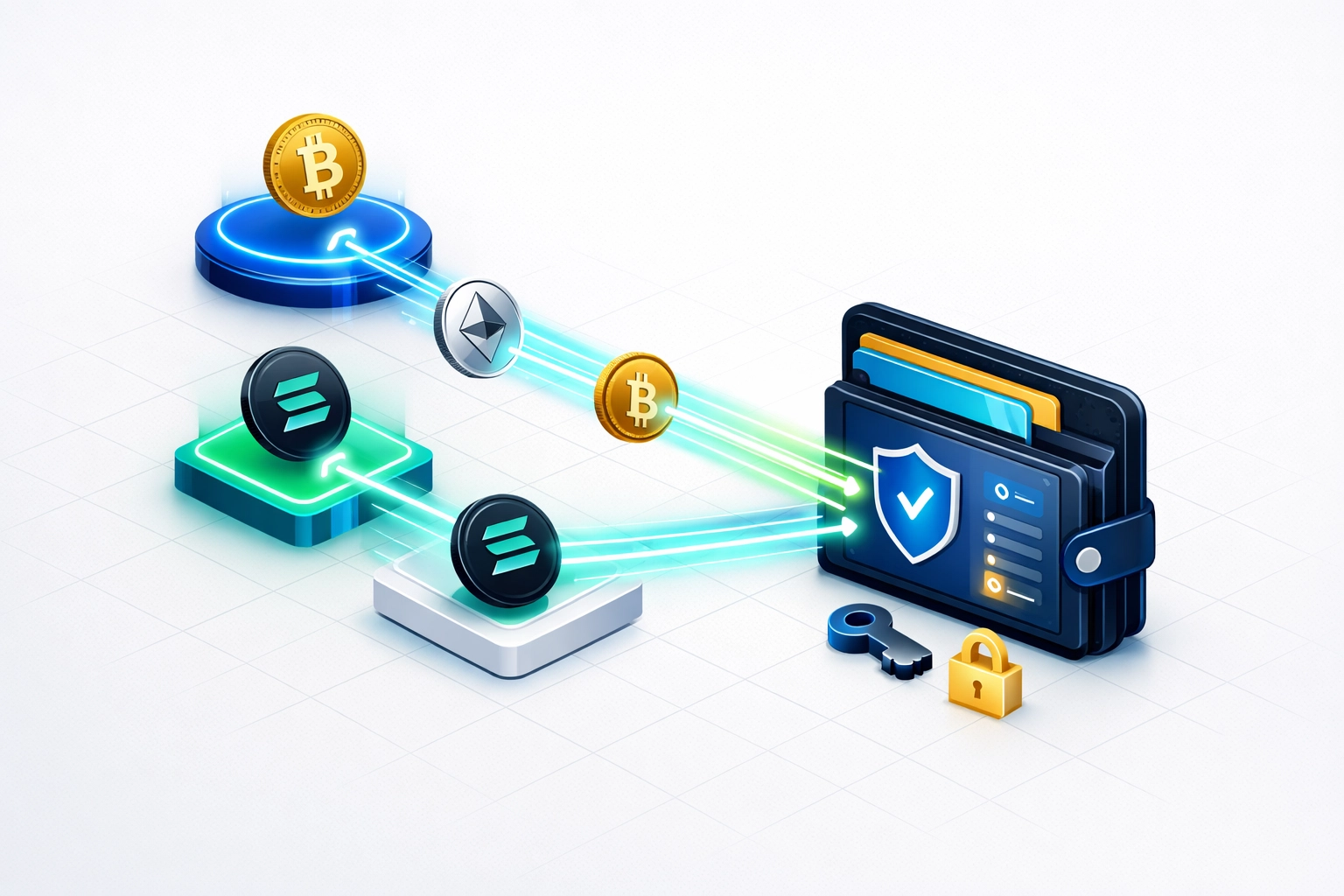
Your wallet is now your merchant account.
No application process. No credit checks. No business verification delays.
Step 3: Generate Payment Addresses (45 seconds)
Create unique receiving addresses for each customer or use a single address with payment IDs. Your choice. Your control.
The system generates QR codes automatically. Customers scan. Payments arrive. You own every satoshi immediately.
Step 4: Integrate Into Your Business (90 seconds)
E-commerce stores get plugins. Physical locations use QR codes. Invoice-based businesses embed payment requests.
Pick your method. Install in under two minutes. Start accepting crypto payments with zero third-party control.
Step 5: Configure Settlement Preferences (45 seconds)
Keep everything in LUSD stablecoin. Auto-convert to Bitcoin. Split between multiple assets. Set it once and forget it.
Total setup time: Under 5 minutes. Total third-party control: Zero.
How This Compares to NOWPayments and CoinPayments
Let's break down the real differences between self-custody and traditional processors.
NOWPayments Setup:
Create account and verify email
Submit business documentation
Wait 24-48 hours for approval
Configure API keys and webhooks
Set up withdrawal schedules
Accept their custody terms
CoinPayments Setup:
Register with personal information
Verify identity with government ID
Complete business verification
Wait for account activation
Configure payout schedules
Pay monthly minimums
Larecoin Self-Custody Setup:
Connect wallet
Start accepting payments
The speed difference is obvious. The control difference is everything.
Fee Comparison: Where Your Money Actually Goes
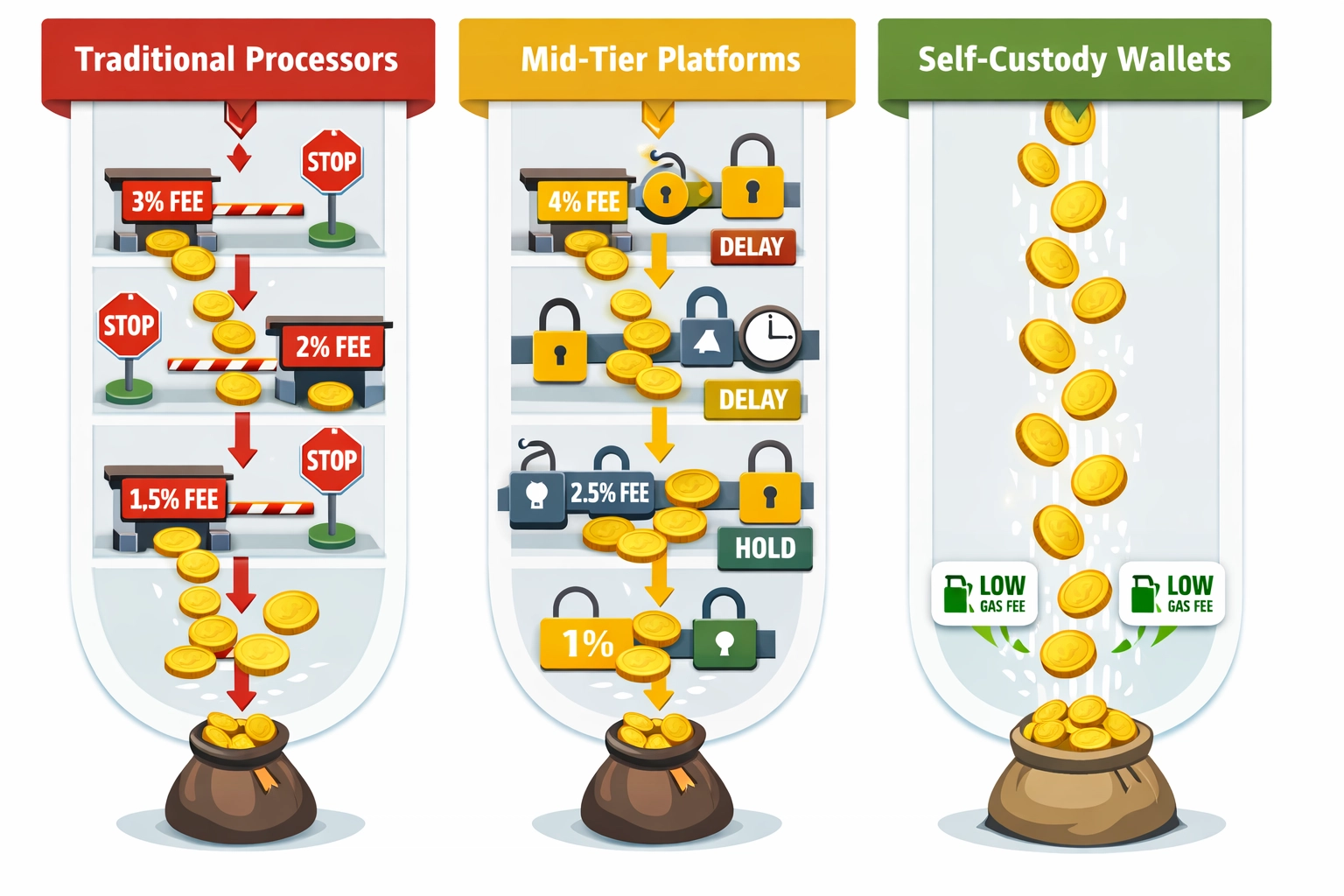
NOWPayments charges 0.5% per transaction. On $100,000 monthly volume, that's $500 gone. Every month. Forever.
CoinPayments charges 0.5% plus network fees plus withdrawal fees. Your $100,000 becomes $99,200 after processing and withdrawals.
Larecoin self-custody costs:
Transaction fees: Gas only (typically $0.10-$2.00 on Solana)
Processing fees: $0
Withdrawal fees: $0 (funds already in your wallet)
Monthly minimums: $0
Setup fees: $0
On that same $100,000 monthly volume, you save $500-$800 every single month.
That's $6,000-$9,600 annually back in your business instead of payment processor pockets.
The Security Framework Self-Custody Merchants Need
Full control means full responsibility. Here's how smart merchants protect their self-custody accounts.
Hardware Wallet Protection
For holdings above $10,000, hardware wallets become non-negotiable. Ledger or Trezor devices keep private keys offline and away from internet threats.
Multi-Signature Safeguards
Large operations implement multi-sig wallets requiring 2-of-3 or 3-of-5 signatures for transactions. One compromised key doesn't compromise your entire business.
Hot/Cold Wallet Split
Keep daily operating funds in hot wallets for quick access. Transfer bulk holdings to cold storage wallets secured offline.
Most merchants maintain 10-20% in hot wallets for operations and 80-90% in cold storage for security.
Backup Procedures That Actually Work
Your seed phrase is your business. Lose it and your funds disappear forever.
Write it on metal plates. Store copies in separate physical locations. Never photograph it. Never email it. Never store it digitally.
LUSD Stablecoin: The Stability Self-Custody Merchants Want
Crypto volatility scares traditional merchants. LUSD solves this without sacrificing self-custody.
LUSD maintains 1:1 parity with the US dollar through algorithmic stability mechanisms. Unlike USDT or USDC, LUSD operates without centralized control or bank dependency.
Merchants accepting payment in LUSD get:
Price stability for accounting
Self-custody for control
Instant settlement without banks
Zero conversion fees when keeping LUSD
Convert to fiat later if needed. Or hold LUSD and skip banking fees entirely.
NFT Receipts: Proof of Purchase Without Paper Trails
Every Larecoin transaction generates an optional NFT receipt. Customers get proof of purchase. Merchants get verifiable transaction records. Both parties maintain complete privacy.
Traditional payment processors store your customer data on centralized servers. Self-custody with NFT receipts keeps everything decentralized and encrypted.
Customers own their purchase history. You own your transaction records. Nobody else gets access unless explicitly shared.

Real Merchant Independence Looks Like This
Self-custody merchant accounts deliver four freedoms traditional processors can't match:
Financial Freedom: Your money arrives instantly and stays in your control forever. No holds. No delays. No approval processes.
Operational Freedom: Accept any cryptocurrency your wallet supports. Switch tokens anytime. Adjust settlement preferences instantly.
Geographic Freedom: Serve customers globally without regional restrictions or banking partnerships. If they have crypto, you can accept payment.
Privacy Freedom: No transaction monitoring. No customer data collection. No reporting requirements beyond standard tax obligations.
These freedoms compound over time. Every month without processor fees. Every transaction without third-party oversight. Every customer served without geographic restrictions.
What Most Merchants Get Wrong About Self-Custody
"It's too complicated for regular businesses."
Wrong. If you can use a banking app, you can manage a self-custody wallet.
"Security is too risky without a company backing it."
Wrong. Centralized companies get hacked. Distributed systems secured by private keys you control offer better protection.
"Customers won't understand crypto payments."
Wrong. Customers scan QR codes and send payment. Same process as PayPal or Venmo. Simpler than credit card forms.
The perceived barriers exist because payment processors benefit from complexity. Self-custody eliminates that complexity along with the middleman.
Getting Started Today Takes 5 Minutes
Open Larecoin merchants page. Connect your wallet. Configure your preferences.
Start accepting crypto payments with complete self-custody before your coffee gets cold.
No applications. No approvals. No third-party control.
Your business. Your wallet. Your crypto.
The payment processor era is ending. Self-custody merchant accounts are the standard merchants are adopting right now.
Five minutes to set up. Lifetime of savings and control.
Comments